
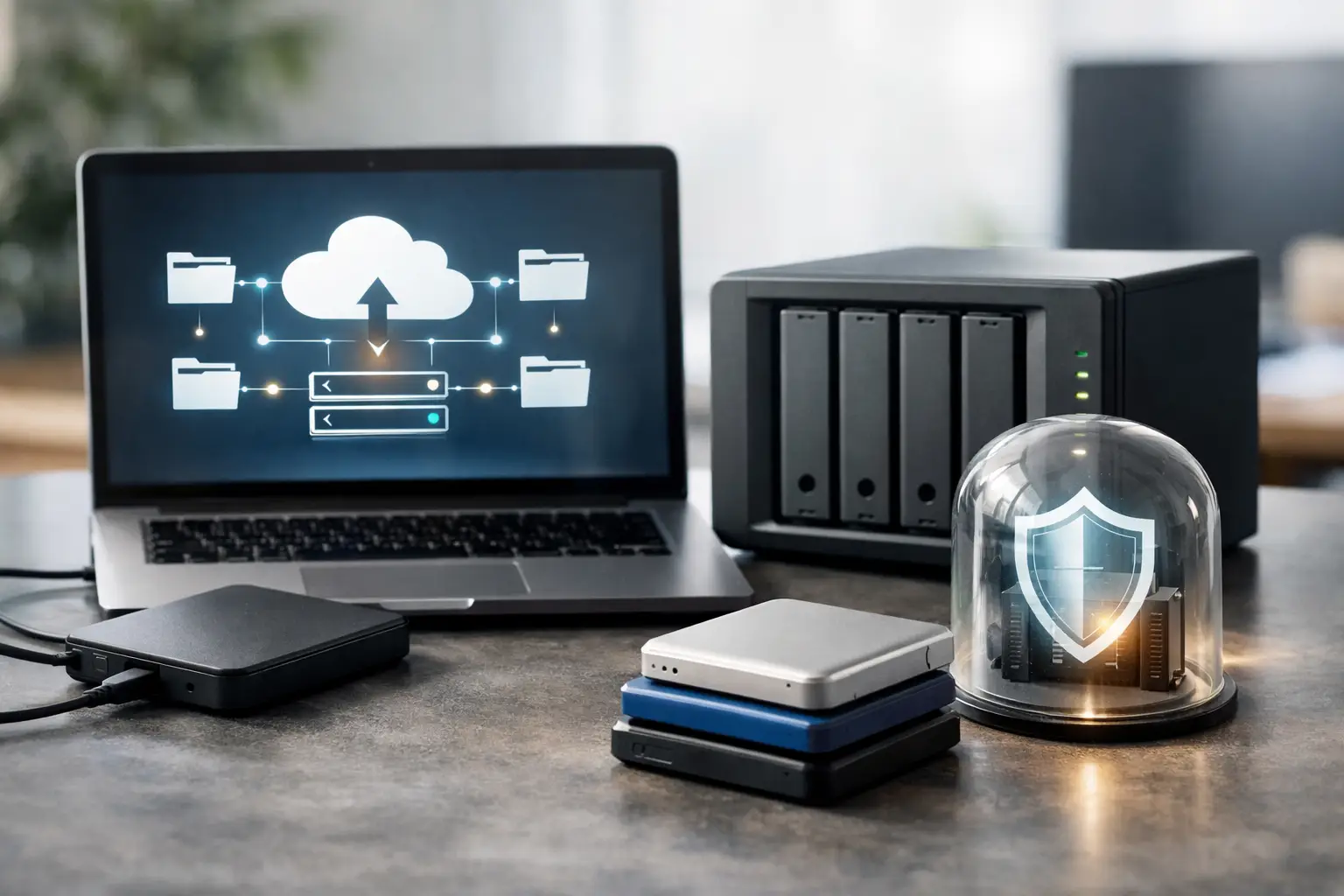
A server fails at 10:15 on a Tuesday. Staff cannot open shared files, your line-of-business application is down, and someone asks the question every business owner hates hearing: “Do we have a good backup?” That is when business data backup solutions stop being an IT line item and become a business continuity issue.
For small and midsize businesses in Lombard and the Chicago suburbs, backup planning usually starts after a close call – accidental deletion, ransomware, hardware failure, or an internet outage that exposes how dependent the company is on one office, one server, or one cloud platform. The right approach is not just to copy files somewhere else. It is to make sure your business can keep operating when something goes wrong, and to know how fast you can recover.
What business data backup solutions actually need to do
A backup system should answer three practical questions. First, what data is protected? Second, how quickly can it be restored? Third, can you trust it during an actual emergency?
That sounds simple, but many businesses have gaps they do not see. Microsoft 365 data may not be fully protected beyond basic retention. A file server may back up nightly, but the backup appliance might sit in the same building as the production server. Remote employees may store critical documents locally on laptops that are never included in the backup plan. Even worse, some companies assume their vendor or software automatically covers every scenario.
Good business data backup solutions are built around recovery, not assumptions. That means protecting servers, desktops, cloud applications, shared files, configuration data, and sometimes network device settings. It also means planning for both common issues, like a deleted folder, and major incidents, like ransomware or fire.
Backup is not the same as disaster recovery
A lot of IT providers blur these terms, but the difference matters. Backup means your data is copied and stored so it can be restored later. Disaster recovery focuses on how your business resumes operations after a serious outage.
If a staff member deletes a folder, a backup may be enough. If your main server is encrypted by ransomware, or your office is inaccessible, you need more than a copy of data. You may need virtual server recovery, offsite replication, cloud failover, replacement hardware, and a documented recovery process.
This is where many businesses underinvest. They may have backups, but no realistic plan for getting systems back online within a timeframe the business can tolerate. For a CPA firm in tax season, a medical office with patient scheduling, or a law firm managing case files, that delay can become expensive very quickly.
The most common backup models and where they fit
There is no single best setup for every company. The right backup model depends on how much data you have, how quickly you need to recover, what regulations apply, and how much downtime your operation can absorb.
Local backup for fast restores
A local backup appliance or network storage device can be very effective when quick recovery matters. Restoring a large file server from a device in the same office is typically much faster than pulling everything back across the internet.
The trade-off is obvious. If the backup stays in the same building and that building has a fire, flood, theft, or serious power event, both production and backup systems may be affected. Local backup alone is rarely enough for a business that depends heavily on its data.
Cloud backup for offsite protection
Cloud backup gives you geographic separation, which is critical for disaster recovery and ransomware response. It can protect servers, endpoints, and cloud applications without relying on a single office location.
The trade-off is recovery speed and bandwidth. Large restores can take time, especially if internet service is limited or if many systems need to be restored at once. Cloud backup is important, but it should be planned with recovery expectations in mind, not treated as magic storage.
Hybrid backup for balance
For many small and midsize businesses, hybrid backup is the most practical answer. It combines local backup for speed with offsite replication for disaster recovery. This gives your team a way to restore common problems quickly while still protecting the business if the entire office is compromised.
In real environments, this often provides the best balance of cost, recovery time, and resilience. It is also easier to align with security and compliance expectations because you are not relying on one method alone.
How ransomware changes the backup conversation
Ransomware has changed backup from a convenience into a security control. If backups are not isolated, monitored, and tested, they may be encrypted or deleted along with your production data.
That is why secure backup design matters. Backups should be protected by separate credentials, limited access, retention policies, and, where possible, immutable storage or other safeguards that prevent tampering. Alerting should be in place so failed jobs, unusual deletions, or suspicious changes are caught quickly.
Just as important, you need to know what happens after an attack. Can you identify a clean restore point? Can key systems be rebuilt in the correct order? Do you have documentation for servers, applications, and network settings? Backup without a recovery process can still leave a business stuck.
Recovery goals matter more than backup size
When business owners ask what backup solution they need, the better question is how much loss and downtime they can accept. In IT terms, that comes down to recovery point objective and recovery time objective.
Recovery point objective is how much data you can afford to lose. If your backups run once a day, you could lose everything created since the last backup. That may be acceptable for some environments and unacceptable for others.
Recovery time objective is how long you can be down. If it takes eight hours to restore a server, is that survivable? For some offices, yes. For others, one hour of downtime creates client impact, billing delays, or operational chaos.
This is why backup planning should be tied to the real pace of your business. A dental office, hospitality operation, municipal office, or legal practice may all have different tolerances. The right design starts with those business realities, not a generic package.
Where companies often miss critical data
It is common to protect the main server and still miss important systems. Laptops used by remote staff, Microsoft 365 mailboxes, SharePoint data, QuickBooks files, specialized medical or legal applications, and firewall or switch configurations are often left out until there is a problem.
That creates a false sense of security. A company may say it has backups, but if key cloud data, endpoint files, and application configurations are not included, the recovery will still be incomplete and slow.
This is also where documentation becomes part of the backup strategy. Knowing what exists, where it lives, who uses it, and how it should be restored is just as important as running backup jobs. A well-documented environment recovers faster because there is less guesswork during an outage.
How to evaluate business data backup solutions
The best way to compare options is to look beyond storage capacity and monthly cost. Ask whether the solution protects all business-critical systems, whether restores are tested regularly, and whether the provider can support both remote and onsite recovery if needed.
You should also ask who is monitoring backup failures, who verifies integrity, and who helps during an actual emergency. A backup platform may be technically capable, but if nobody is reviewing alerts or testing restores, risk remains high.
For businesses with compliance obligations, backup also needs to fit the broader security plan. Retention, encryption, access control, written procedures, and audit readiness all matter. In some cases, the backup system should support cyber insurance requirements or written information security plans.
That is why working with an experienced IT partner matters. A provider that understands cybersecurity, network infrastructure, Microsoft 365, server environments, and compliance can build a backup strategy that reflects how your systems actually work. For many organizations in the western and northwestern suburbs, that practical planning is what turns backup from a checkbox into real protection.
The right solution is the one you can recover from
A cheap backup that fails under pressure is not a savings. Neither is an overbuilt system that costs more than the business can justify. The goal is a backup strategy that matches your risk, supports your operations, and gives you a clear path back after a failure.
If your current backup plan has not been reviewed recently, or if no one has tested a full restore, that is the place to start. Problems with backup systems usually stay hidden until the worst possible moment. A careful review now is a lot easier than explaining lost files, missed deadlines, or extended downtime later.