
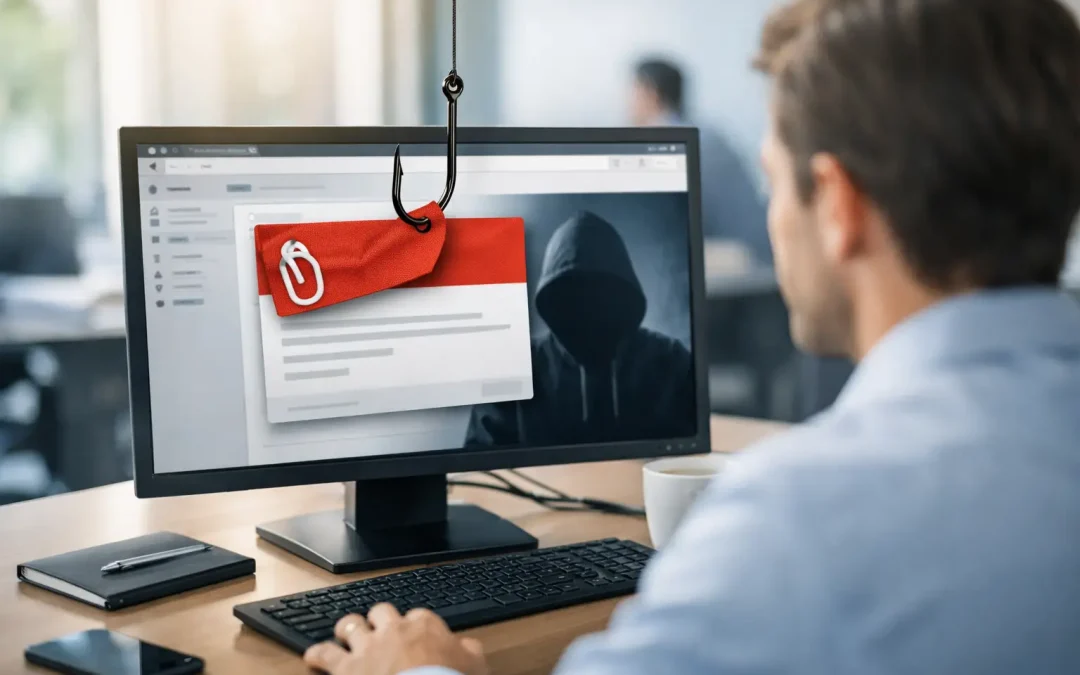
One employee clicks the wrong email, enters a Microsoft 365 password, and what looked like a routine Monday turns into a business interruption. Mailboxes get hijacked, wire requests change, files are exposed, and your team loses hours sorting through the damage. That is why phishing prevention for employees cannot be treated as a once-a-year training task. It has to be part of how your business operates every day.
For small and midsize businesses, phishing is still one of the most common ways attackers get in. Not because employees are careless, but because phishing emails are getting better. They look like vendor invoices, HR notices, password reset prompts, DocuSign requests, or messages from the owner asking for urgency and discretion. If your business relies on email, cloud apps, and remote access, your employees are part of your security perimeter whether you planned for that or not.
Why phishing prevention for employees fails in many businesses
Most companies do something, but not enough of the right things. They send a policy, schedule annual awareness training, and assume common sense will carry the rest. That approach usually fails because phishing is not just a people problem. It is a process problem and a systems problem too.
Employees make better decisions when the environment supports them. If they are rushed, interrupted, overloaded with email, and unsure how to report something suspicious, mistakes are more likely. If multifactor authentication is missing, one bad click can become an account takeover. If email filtering is weak, users are forced to judge too many questionable messages on their own.
The better approach is layered. Training matters, but it works best when paired with clear reporting, technical controls, and leadership support. That is what turns awareness into actual risk reduction.
Start with realistic employee training
Good phishing training should reflect the messages your staff really receives. A medical office might see fake insurance forms or patient document requests. A CPA firm may get spoofed tax documents or payroll emails. A law office may receive urgent file-sharing notices. Generic examples are easy to ignore because they do not feel connected to daily work.
Training should show employees what to look for in practical terms. Was the sender slightly off? Is the request unusual for that person? Does the email create pressure to act fast? Is there a link to a login page that should not be needed? Does the message ask for payment changes, gift cards, credentials, or sensitive records?
It also helps to explain what attackers are trying to accomplish. Once employees understand that phishing is often about stealing credentials, redirecting payments, or planting ransomware, they become more alert to the business impact. People pay more attention when they know a bad click can interrupt payroll, expose client data, or create compliance issues.
That said, training should not turn into blame. If employees feel embarrassed for reporting something that turns out to be harmless, they will stop reporting. The goal is to create a workplace where caution is seen as helpful, not disruptive.
Make reporting easy and fast
If an employee has to wonder who to contact, the process is already too slow. Suspicious emails should be easy to report in seconds. That can be through a reporting button, a dedicated internal process, or a clear instruction from management and IT. What matters is that everyone knows exactly what to do.
Speed matters because phishing attacks often spread internally. One compromised mailbox can send realistic-looking messages to coworkers, vendors, and clients. A fast report gives your IT team a chance to block the sender, reset passwords, review account activity, and contain the issue before it gets larger.
Employees should also know that reporting after a click is just as important as reporting before one. Too many users stay quiet because they hope nothing happened. A quick response in the first few minutes can make a major difference.
Technical controls reduce the burden on users
Your employees should not be the only line of defense. Strong phishing prevention for employees depends on technical safeguards that catch threats early and limit damage when someone makes a mistake.
Multifactor authentication is one of the most important controls because stolen passwords remain a primary target. Even basic MFA can stop many account takeover attempts. It is not perfect, especially against more advanced attacks, but it is far better than relying on passwords alone.
Email filtering and impersonation protection also matter. Many phishing messages can be quarantined before users ever see them. Domain protection, attachment scanning, and link analysis all help reduce exposure. These tools are not flawless, and no filter catches everything, but they dramatically improve the odds.
Least-privilege access is another practical safeguard. If every employee has broad access to shared files, systems, or financial data, one compromised account can create a much bigger incident. Restricting access based on role limits the blast radius.
For businesses using Microsoft 365, Google Workspace, cloud file sharing, and remote access tools, session controls, alerting, and login monitoring are also worth attention. Many phishing incidents are discovered only after unusual sign-ins, mailbox rules, or forwarding settings appear. That is late, but still recoverable if someone is watching.
Train for the phishing attacks that cause the most damage
Not every phishing email has the same goal. Some are trying to harvest passwords. Some are trying to trick accounting into changing payment instructions. Others are aimed at executives or HR teams because those users handle sensitive data. Training should reflect those differences.
Finance staff should be trained to verify any banking or payment change through a second channel. A phone call to a known number is far safer than replying to the email. Leadership teams should be aware of business email compromise, where attackers impersonate executives and use urgency to bypass normal approval steps. HR teams need to be careful with requests for W-2s, direct deposit changes, and employee records.
This is where written procedures matter. Employees are far more likely to catch fraud when there is a standard process for approvals, vendor changes, and sensitive requests. Good process design reduces the chance that a single email can trigger financial loss.
Testing helps, but only when it is used correctly
Simulated phishing tests can be useful, especially when they reveal where employees need more support. But they can backfire if they are treated as a gotcha exercise. If staff see testing as punishment, they learn to distrust the program rather than improve from it.
The better use of testing is to spot patterns. Are users clicking fake file-share requests? Are they entering passwords on spoofed login pages? Are certain departments getting hit more often? That information should shape follow-up training and technical changes.
It also helps to track reporting rates, not just failure rates. An employee who reports a suspicious message is doing something right, even if they are not certain it is malicious. Over time, more reporting usually means better security awareness.
Leadership sets the tone
Employees notice what leaders do. If management ignores security steps, pushes staff to move too quickly, or bypasses procedures for convenience, phishing prevention gets weaker. If leaders follow the same rules, verify unusual requests, and support cautious decision-making, the whole organization gets better.
That includes simple behaviors like not asking employees to send passwords by email, not changing payment details casually, and not creating pressure to act without verification. Security culture is built through repetition. People follow the patterns they see.
For regulated businesses, this has another layer. If you are handling patient data, financial records, legal documents, or municipal information, phishing prevention is tied directly to compliance and continuity. Training and policy are part of the picture, but documentation, incident response planning, and secure system design matter just as much.
What a practical phishing prevention program looks like
A workable program usually includes recurring training, phishing simulations, MFA, email security, defined reporting steps, and written procedures for sensitive requests. It also includes regular review. Threats change, staff changes, and business workflows change. What worked two years ago may not match your current risk.
For many small and midsize businesses, the challenge is not knowing these steps exist. It is finding time to implement them consistently while managing day-to-day operations. That is where an experienced IT partner can help by aligning employee training with the security controls behind it, reviewing Microsoft 365 settings, tightening remote access, and documenting a clear response plan.
If your team is still relying on annual training and good intentions, that is a gap worth addressing sooner rather than later. The businesses that handle phishing best are not the ones with perfect employees. They are the ones that make it easy for employees to do the safe thing, every time.