
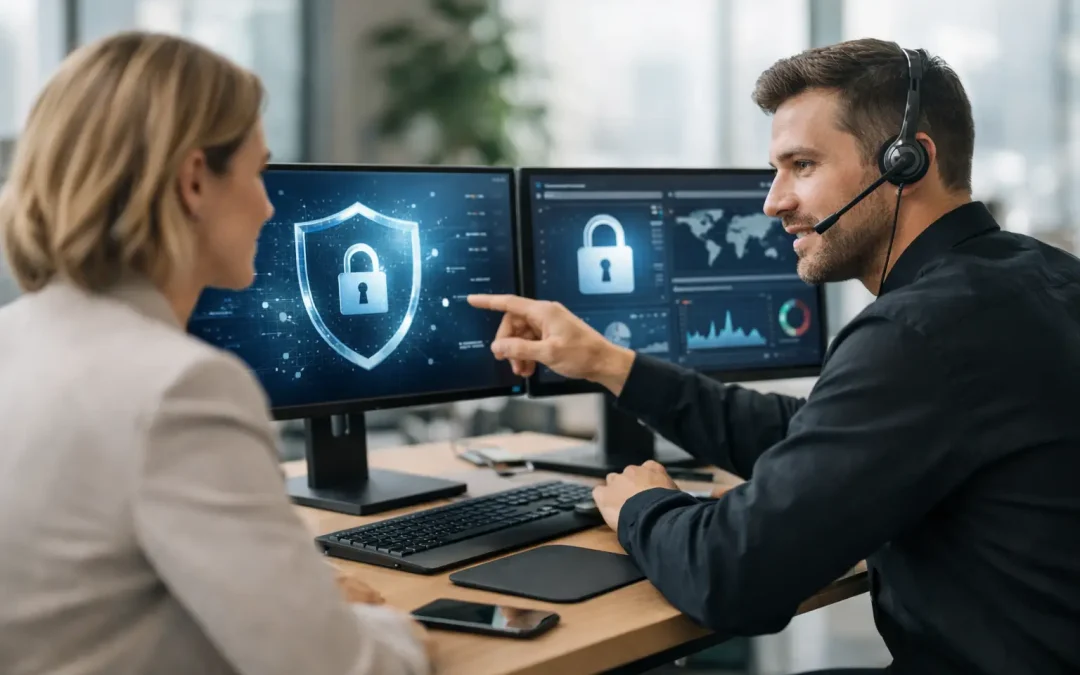
A single suspicious email can stop a busy office before the first client meeting of the day. Naperville office cybersecurity support should do more than respond after that happens. It should identify weak points, reduce the chance of an attack succeeding, and give your team a clear plan for keeping the business operating if something goes wrong.
For small and midsize organizations, cybersecurity is not a separate technology project that can wait for a quieter quarter. It affects payroll, client records, remote staff, accounting systems, email, compliance obligations, and the ability to answer the phone. The right support model combines practical daily IT management with security controls that are monitored, maintained, and tested.
Why Office Cybersecurity Requires Ongoing Attention
Cybercriminals do not limit their targets to large corporations. CPA firms, medical and dental practices, law offices, municipalities, and hospitality businesses all hold information that can be sold, misused, or held for ransom. Smaller organizations are often targeted because attackers expect fewer safeguards, older equipment, shared passwords, or inconsistent patching.
The most damaging incidents usually begin with an ordinary failure: an employee enters credentials into a fake Microsoft 365 page, a former employee account remains active, a laptop misses a security update, or a backup cannot be restored when it is needed. None of these issues is particularly unusual. The risk comes from allowing several small gaps to remain open at once.
A security-first IT partner looks at the entire environment, not just the device that triggered an alert. That includes user accounts, email settings, workstations, servers, wireless networks, firewalls, remote access, backups, vendors, and the way employees handle sensitive files. This approach gives business leaders a more realistic picture of their exposure.
What Naperville Office Cybersecurity Support Should Cover
A useful cybersecurity service is built around your actual operations. A five-person accounting office has different needs than a medical practice with multiple locations, but both need dependable protection, clear policies, and someone accountable for keeping systems current.
Secure email and user accounts
Email remains one of the most common entry points for ransomware, business email compromise, and credential theft. Effective support includes spam and phishing controls, multifactor authentication, account monitoring, and prompt offboarding when an employee leaves.
Microsoft 365 administration also deserves close attention. Default settings are rarely enough for an organization handling client or patient information. Conditional access rules, mailbox forwarding restrictions, shared mailbox permissions, and audit logging should be reviewed based on how your staff works. Tighter controls can create a little more friction at login, especially for remote employees, but that trade-off is usually far less costly than a compromised account.
Managed firewalls and protected remote access
A business firewall is not a set-it-and-forget-it appliance. It needs current firmware, a documented configuration, monitored alerts, and periodic reviews of the services allowed through it. Older firewall rules often remain in place long after a vendor, application, or employee no longer needs access.
Remote access deserves the same discipline. Staff should not use exposed remote desktop connections or informal workarounds to reach office resources from home. A properly configured VPN, multifactor authentication, and limited access permissions help protect data while still allowing people to work productively. The best option depends on whether staff need access to full office desktops, a few applications, or cloud-based files.
Endpoint protection, patching, and device management
Every computer that signs into company email or stores company files is part of the security perimeter. That includes office desktops, laptops, and, in some cases, managed mobile devices. Security support should include centrally managed endpoint protection, operating system and software updates, disk encryption, and visibility into devices that fall out of compliance.
Patching needs to be planned carefully. Applying updates immediately is not always appropriate for a line-of-business application or an older server that supports critical equipment. However, delaying patches indefinitely creates unnecessary exposure. An experienced technician can test, schedule, and document updates so security improvements do not become avoidable downtime.
Backups that can actually recover the business
A backup is only valuable if it is protected from the same incident that affects production files and can be restored within an acceptable timeframe. Ransomware can encrypt mapped drives, accessible backup locations, and cloud-synced folders. A sound backup strategy keeps protected copies separate, monitors completion, and verifies recovery through testing.
Business owners should ask two direct questions: How much data could we afford to lose, and how long could we operate without our systems? Those answers guide backup frequency, retention, and recovery planning. A firm that can tolerate losing one day of documents may need a different design than a practice that must access schedules and records throughout the day.
Written policies and compliance readiness
Cybersecurity controls work better when employees understand their role. Written acceptable-use policies, password standards, incident reporting steps, and vendor access procedures create consistency when staff members are busy or new to the organization.
Many organizations also need a written information security plan, risk assessment, or documentation for insurance, client questionnaires, and regulatory requirements. Compliance is not simply a binder of policies. It should reflect the controls actually in place, the risks identified, and the steps taken to address them. Good documentation makes audits less disruptive and provides management with a practical roadmap for improvements.
Start With a Clear Security Assessment
The first step should not be buying another security tool. It should be understanding what you have. A thorough assessment reviews network equipment, user accounts, backup status, remote access, software updates, antivirus coverage, security policies, and known risks.
The result should be specific enough to support decisions. Instead of being told that the network has “security concerns,” you should know which accounts lack multifactor authentication, whether backups are being monitored, whether the firewall is supported, and which issues require immediate action. A prioritized plan helps you address urgent gaps first while budgeting for larger projects such as server replacement, network segmentation, or cabling upgrades.
Tomorrow’s Solutions provides assessments and security audits designed to give local businesses that clarity. The goal is not to create unnecessary complexity. It is to identify the risks that could interrupt operations and provide practical steps to reduce them.
Signs Your Current Coverage May Be Falling Short
If cybersecurity only comes up when a computer is already infected, your business is operating reactively. The same is true if nobody can quickly answer who has administrative access, where passwords are documented, when backups were last tested, or what happens if the internet or server fails.
Warning signs also include employees sharing logins, unsupported network equipment, recurring phishing emails reaching inboxes, former staff retaining access, and remote workers using personal devices without clear requirements. One issue may not signal a crisis. Several together indicate that the office needs a more organized security program.
A dependable support provider should be reachable when a problem is urgent, but emergency response alone is not enough. Ongoing monitoring, maintenance, documentation, and communication reduce the number of emergencies in the first place.
Make Security Part of Normal Operations
The strongest cybersecurity programs are not built on fear or complicated rules that employees will bypass. They are built into everyday work: secure sign-ins, reliable backups, updated systems, documented processes, and a technician who understands the environment before an incident occurs.
For a Naperville business, local onsite assistance can be especially valuable when a firewall fails, a server needs attention, a new office requires secure network infrastructure, or leadership needs an experienced technician in the room. Remote support handles many daily needs efficiently, while onsite capability matters when the problem involves physical equipment or business continuity.
Start by finding out where your office stands. A focused security assessment can turn vague concern into a prioritized plan, helping your staff protect client information and keep working when threats test the systems your business depends on.