
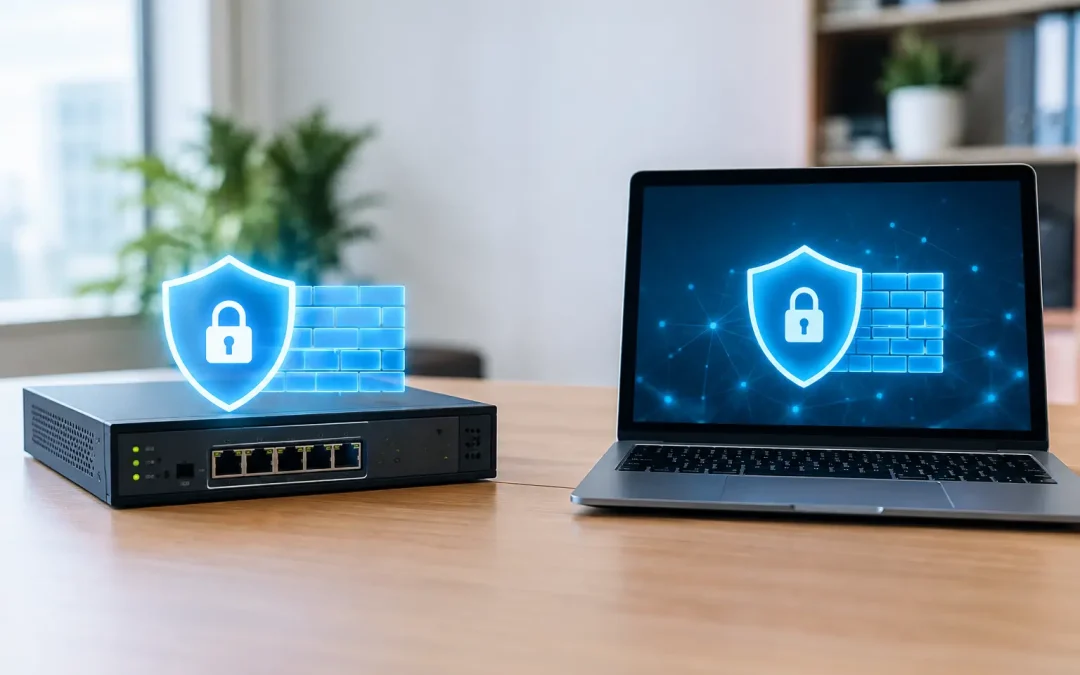
A ransomware incident often starts with one device reaching something it should not, or an exposed service accepting traffic it should never see. That is why the hardware firewall versus software firewall decision is not just an equipment purchase. It affects remote work, client data, internet reliability, compliance evidence, and how quickly your business can contain a problem.
For most small and midsize businesses, the answer is not choosing one and forgetting the other. A properly managed hardware firewall and well-configured endpoint firewalls protect different parts of the environment. The right balance depends on your office network, remote users, applications, risk profile, and the people available to manage security alerts.
What a hardware firewall protects
A hardware firewall is a dedicated appliance placed at the edge of your network, usually between your internet connection and the switches, wireless access points, servers, and workstations inside the office. SonicWall, Meraki, and Cisco appliances are common examples in business environments.
Its job is to inspect traffic moving in and out of the network and enforce rules before that traffic reaches internal systems. A business-grade firewall can block unsolicited inbound connections, control which outbound services are allowed, support secure VPN access, separate guest Wi-Fi from business systems, and log security events. Many models also provide intrusion prevention, web filtering, malware inspection, application control, and other unified threat management features.
That placement matters. If an employee accidentally clicks a malicious link, an edge firewall may stop the connection before the workstation reaches the known malicious site. If a scanner on the internet looks for an open remote desktop port, the firewall can prevent the attempt from reaching the server at all. If a guest connects to office Wi-Fi, network segmentation can keep that device away from accounting systems, file shares, and medical or legal records.
Hardware firewalls are especially valuable when an organization has an office, multiple locations, on-premises servers, VoIP phones, security cameras, or a need for site-to-site VPNs. They provide a central enforcement point that can protect many users and devices at once.
What a software firewall protects
A software firewall runs directly on an endpoint, such as a Windows workstation, Mac, laptop, or server. Microsoft Defender Firewall is built into Windows, while endpoint security platforms may add their own firewall controls and monitoring.
Instead of looking only at traffic crossing the internet edge, a software firewall controls network communication to and from that individual machine. It can prevent an unauthorized program from opening a listening port, block an unknown device from reaching the laptop on a public network, and restrict traffic between systems on the same office network.
This is particularly useful for laptops that leave the building. A hardware firewall protects the office network, but it cannot enforce rules when a salesperson works from a hotel, a manager uses airport Wi-Fi, or an employee connects from home without a VPN. The endpoint firewall remains with the device.
Software firewalls also help limit lateral movement. If malware gets onto one computer, an endpoint firewall can make it harder for that computer to probe or connect to other workstations and servers. That does not replace endpoint detection and response, patching, multifactor authentication, or backups, but it is an important layer of defense.
Hardware firewall versus software firewall: the practical differences
The two technologies overlap, but they are designed for different jobs. A hardware firewall protects the network perimeter and applies centralized policies. A software firewall protects the individual endpoint and follows it wherever it goes.
| Business need | Hardware firewall | Software firewall | |—|—|—| | Block threats entering from the internet | Primary control | Limited to the protected device | | Secure office Wi-Fi, servers, phones, and cameras | Strong central control | Not a network-wide solution | | Protect a remote laptop offsite | Only through VPN or cloud management | Protects the device directly | | Segment departments or guest networks | Yes | No | | Limit traffic between individual devices | Helpful, depending on network design | Strong endpoint-level control | | Manage rules across many computers | Not for local endpoint behavior | Requires centralized endpoint management |
A hardware firewall can also inspect traffic at higher speeds than most individual devices, which matters for offices with multiple users, cloud applications, large file transfers, and voice traffic. However, security services such as encrypted traffic inspection can reduce throughput. Selecting an appliance based only on its advertised internet speed is a common mistake. The firewall must be sized for the number of users, VPN connections, active security services, and expected growth.
Software firewalls are generally included with the operating system or endpoint security platform, but “included” does not mean “configured.” If users can disable the firewall, rules are inconsistent, or exceptions are added without review, protection becomes unreliable. Central policy management is the difference between a security control and a collection of unmanaged settings.
Why a hardware firewall alone is not enough
A dedicated firewall is essential for many businesses, but it cannot see or control every risk. It does not patch an outdated workstation. It does not stop a user from entering credentials into a convincing phishing page. It does not protect a laptop that is operating outside the office network unless the device is connected through a properly configured VPN.
It may also have limited visibility into encrypted web traffic unless inspection is enabled and carefully managed. Since much of today’s business traffic is encrypted, a firewall without the right security services and monitoring may only see destination information rather than the full content of a connection.
A firewall can reduce the attack surface, but it should operate alongside managed endpoint protection, patch management, secure email controls, tested backups, least-privilege access, and employee security awareness. For firms subject to client questionnaires, insurance requirements, HIPAA expectations, or a written information security plan, these layers should be documented and reviewed regularly.
Why a software firewall alone is not enough
Relying on workstation firewalls without an edge firewall leaves too much responsibility on every individual device. There is no single control point for inbound internet traffic, network segmentation, VPN access, or internet-use policies. A compromised or poorly configured endpoint can create exposure for the rest of the office.
This approach is particularly risky where servers, network storage, phone systems, cameras, or line-of-business devices are present. Those systems need protection at the network edge and should not be directly exposed to the internet. Remote access should be handled through a secured VPN, multifactor authentication, and narrowly defined access rules, not by opening ports for convenience.
The layered approach most businesses need
For a typical Chicago-area medical practice, CPA firm, law office, or professional services company, the best design is usually both: a managed next-generation hardware firewall at the office and centrally managed software firewalls on servers and endpoints.
At the network level, the firewall should be configured with a default-deny approach for unsolicited inbound traffic, current threat prevention services, secure VPN access, separated guest wireless, and meaningful event logging. Remote administration should be restricted, and any port-forwarding rule should have a documented business reason and periodic review.
At the endpoint level, firewall policies should be managed through a business tool rather than left to users. Workstations should be blocked from accepting unnecessary inbound connections, while server rules should allow only the applications and systems that truly need access. Exceptions for printers, accounting software, dental imaging, or specialized equipment should be documented so they do not become permanent blind spots.
Monitoring is where the investment becomes practical. A firewall that generates alerts nobody reviews will not protect the business for long. Security logs need context: Is a blocked event routine internet noise, a compromised user account, a failing VPN connection, or a sign that a device is attempting to contact a malicious destination? Experienced technicians can tune rules to reduce noise while escalating events that require action.
Questions to ask before making a choice
Start with where your people and data actually operate. If everyone works in one small office with cloud applications, a properly sized hardware firewall and managed endpoints may be straightforward. If employees work remotely, travel often, or use personal networks, endpoint controls, VPN design, and multifactor authentication carry more weight.
Next, identify the systems that cannot go down. File servers, phone systems, specialized medical or legal software, payment systems, and cloud access may each have different traffic requirements. Security should not interrupt critical operations, but business convenience should not lead to broad, undocumented firewall exceptions either.
Finally, consider ownership. Firewalls require firmware updates, license renewals, backup configurations, review of VPN users, and ongoing rule cleanup. Endpoint firewall policies require monitoring after software updates and business changes. If those tasks are not assigned internally, they should be part of a managed IT and security process.
The best firewall strategy is the one that fits your operations and continues to be managed after installation. Tomorrow’s Solutions helps businesses evaluate their network exposure, configure practical security controls, and keep them aligned with the way the business actually works. A free security assessment can turn an uncertain firewall decision into a clear plan for protecting the systems your team relies on every day.