
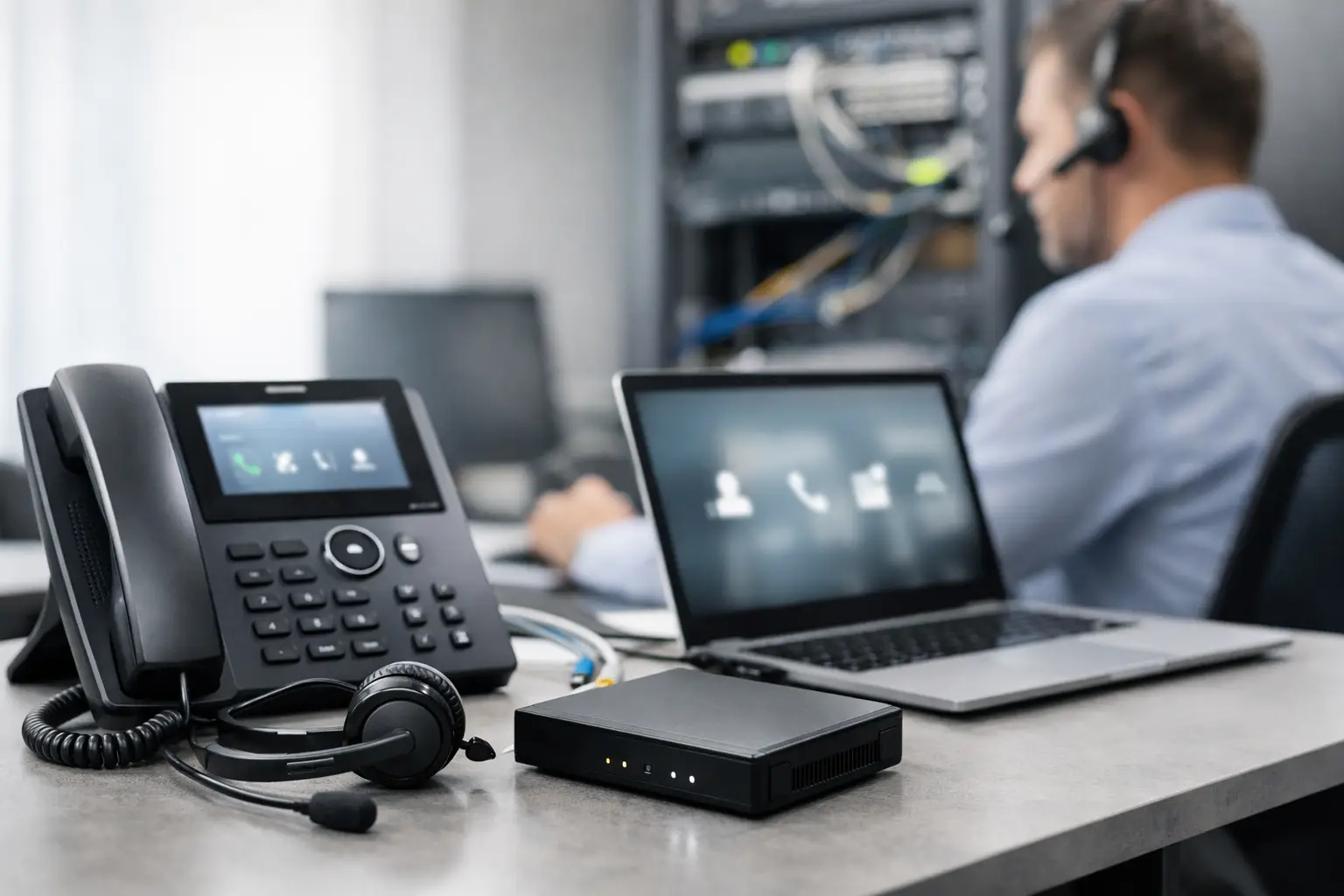
A lot of businesses switch phone systems after a bad week – dropped calls, missed messages, phones that cannot ring the right person, or a provider that treats support like an afterthought. If you need to set up business VoIP, the goal is not just getting dial tone. The goal is a phone system that fits how your staff works, holds up under daily use, and does not create new security or support problems.
That matters more than many companies expect. Your phone system touches sales, scheduling, support, billing, and emergency communication. If it is unreliable, clients notice fast. If it is poorly secured, it can become one more way into your network or one more source of fraud.
What it really takes to set up business VoIP
VoIP is simple in concept. Your calls travel over your internet connection instead of traditional phone lines. The hard part is not turning it on. The hard part is making sure call quality, uptime, device management, routing, and security all work together.
That is why a business VoIP deployment should be treated like an IT project, not an office supply purchase. A five-person office and a fifty-person office can both use VoIP, but the planning is different. So are the risks.
Before you pick handsets or compare monthly plans, start with your workflow. How many people answer calls? Do staff work from home or between locations? Do you need desk phones, mobile apps, call recording, paging, voicemail to email, or ring groups? If your office handles protected client data, payment information, or regulated records, your phone setup also has to match your security and compliance expectations.
Start with your internet and network
Most VoIP problems are not really phone problems. They are network problems.
If your internet connection is unstable, congested, or undersized, your calls will suffer. You may hear jitter, clipping, one-way audio, delays, or dropped calls. That is why the first step is to review bandwidth, reliability, and how traffic is handled across your network.
A small office with light call volume may work well on a standard business internet circuit. A busy medical office, legal practice, or customer service team may need more capacity and better traffic prioritization. It depends on the number of simultaneous calls, other cloud applications in use, and whether guest Wi-Fi or large backups compete for bandwidth during business hours.
Quality of Service, or QoS, is often part of the answer. Properly configured switches, routers, and firewalls can prioritize voice traffic so calls do not get pushed aside by file transfers or streaming traffic. If your network equipment is outdated or poorly configured, replacing phones alone will not fix the issue.
This is also the right time to look at cabling, switch capacity, VLAN design, and power over Ethernet if you plan to use desk phones. Businesses often underestimate how much smoother installation goes when the underlying network is cleaned up first.
Choose the right VoIP setup for your business
There is no single best VoIP model for every company. The right fit depends on your size, call volume, support expectations, and risk tolerance.
Hosted VoIP is the most common option for small and midsize businesses. The provider manages the phone platform in the cloud, which reduces onsite hardware and often makes it easier to support remote users. This works well for businesses that want predictable monthly costs and simpler scaling.
An onsite or hybrid setup can make sense in more specialized environments, especially if there are integration needs, strict control requirements, or existing infrastructure worth preserving. But that added control usually comes with more complexity. Someone still has to manage updates, backups, failover, and security.
The phones themselves matter too. Some offices do well with physical handsets at each desk. Others rely more on softphones, mobile apps, or a mix of both. Front desk staff usually need something different from field employees or executives. A good setup reflects job function, not just a standard hardware package.
Plan your call flow before you install anything
One of the most common mistakes in a VoIP rollout is spending too much time on devices and not enough time on call handling.
Think through what happens when a customer calls your main number. Who answers first? What happens during lunch, after hours, during vacations, or during high call volume? Do callers need a live receptionist, an auto attendant, or direct extensions? Should certain calls go to a ring group, a hunt group, or a shared voicemail box?
This is where phone systems either help your business or frustrate it. The technology can support very polished call handling, but only if it is mapped to your real workflow. A dental office may need fast front-desk routing and reliable voicemail-to-email for after-hours scheduling. A CPA firm during tax season may need overflow routing and better visibility into missed calls. A law office may care more about call recording rules, mobile access, and direct-dial reliability.
Good call flow design also protects your staff from improvising around a bad system. When the right routing is built in from the start, missed calls drop and response times improve.
Security cannot be an afterthought
VoIP is part of your IT environment, which means it should be protected like the rest of your business systems.
This is where many businesses cut corners. They focus on features and price, then ignore password management, admin permissions, firewall configuration, and account protection. That can lead to toll fraud, unauthorized access, exposed voicemail, and weak points on the network.
If you set up business VoIP without reviewing security, you are taking an unnecessary risk. At minimum, admin accounts should use strong passwords and multi-factor authentication where available. Phones and platforms should be kept current. Firewall rules should be reviewed. Remote access should be controlled. Unused accounts and extensions should be disabled.
For businesses with compliance requirements, this gets more serious. You may need better documentation, retention controls, encryption standards, and user access policies. A phone deployment should support those requirements rather than create exceptions that are hard to defend later.
It is also smart to think about continuity. If your internet goes down, where do calls go? If the office loses power, can calls fail over to mobile devices or another location? A good VoIP design includes backup behavior, not just normal business-hour behavior.
Prepare your team for the change
Even a strong phone system can create frustration if employees are not trained.
The transition should include basic user training on transferring calls, checking voicemail, using mobile apps, parking calls, updating greetings, and handling common issues. Front desk and administrative staff may need deeper training because they use more features and carry more responsibility in the caller experience.
This does not need to be complicated, but it does need to be clear. Most support calls after a rollout are not caused by platform failures. They come from confusion about settings, call handling, or device behavior.
It also helps to assign an internal point person who can coordinate with your IT partner or provider. That keeps changes organized when someone joins, leaves, changes roles, or moves desks.
Test before you fully cut over
A careful rollout usually works better than a rushed one.
Before porting all numbers and moving the whole office at once, test with a small group or in a limited department if possible. Check call quality, extension dialing, voicemail delivery, outbound caller ID, auto attendants, ring groups, and mobile app performance. Confirm that emergency calling information is correct. If your business depends heavily on inbound calls, test after-hours routing and holiday schedules too.
This stage often reveals small issues that are easy to fix early and expensive to ignore later. Maybe a firewall rule needs adjustment. Maybe a receptionist console needs a different layout. Maybe Wi-Fi is not stable enough in part of the office for app-based calling. Those are manageable findings if discovered before the full cutover.
Ongoing support matters more than the initial install
A phone system is not a one-time decision. It needs maintenance, changes, troubleshooting, and periodic review.
That is especially true for growing businesses. New employees need extensions. Departments change. Call volume shifts. Providers update features. Security expectations rise. If nobody owns the environment after installation, the system slowly becomes harder to manage and less aligned with the business.
For many small and midsize organizations, this is where a managed IT partner adds real value. Instead of treating VoIP as a standalone utility, it becomes part of the larger technology plan – network health, security controls, user management, remote access, backups, and business continuity. That approach tends to reduce finger-pointing when issues happen because one team is looking at the whole environment.
Businesses in places like Lombard, Naperville, Elmhurst, and surrounding suburbs often need that mix of remote support and onsite help. When phones are tied to front-desk operations, scheduling, or client response times, waiting days for a vague support ticket is not practical.
The best VoIP setup is the one that feels uneventful day to day. Calls are clear. Routing works. Staff know what to do. Security is handled. And when something changes, you have someone who can fix it without turning a phone issue into a business interruption.
If you are planning to change phone systems, slow down just enough to do it right. The monthly service is only one piece of the decision. The bigger win is building a reliable, secure communication system that supports your business instead of forcing your team to work around it.