
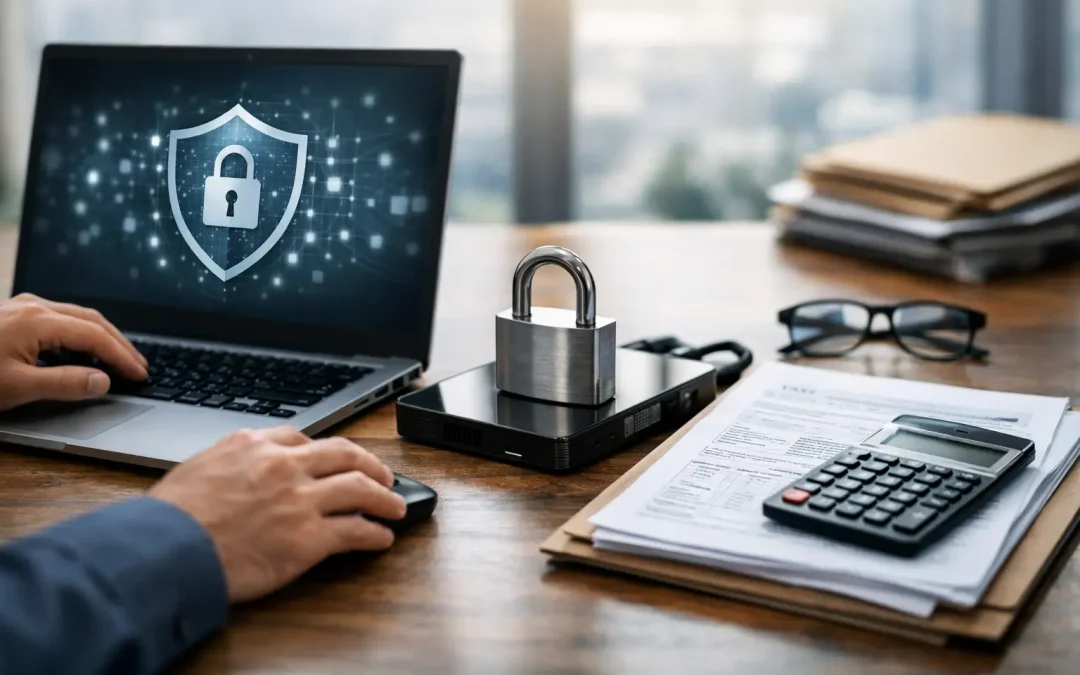
A CPA firm can lose billable time quickly when a tax application will not open, a shared client folder disappears, or an employee cannot connect securely from home. The larger risk is what happens when sensitive financial data is exposed, encrypted by ransomware, or unavailable during tax season. Effective IT support for CPA firms has to address both problems: fast day-to-day assistance and security controls that protect client information before an incident becomes a business crisis.
For accounting firms, technology is not a background utility. It is part of every client interaction, return, workpaper, payroll report, and document request. That makes IT planning a practical business decision, especially for small and midsize firms that do not have an internal technology team.
Why IT Support for CPA Firms Requires More Than Help Desk Service
CPA firms work with information that criminals actively seek: Social Security numbers, bank details, tax returns, business records, payroll data, and identity documents. A single compromised email account can expose years of client records and create a serious reporting, notification, and reputational problem.
Basic computer repair is not enough. A firm needs an IT partner that understands how security, availability, and user support work together. If a technician only responds after something breaks, the firm is left reacting to preventable problems. Managed support should include monitoring, patching, backup verification, account management, network documentation, and a clear response plan when suspicious activity occurs.
The urgency changes during peak periods. A server issue in July is inconvenient. An outage in the final week before a filing deadline can stop work across the firm, delay client deliverables, and force staff to use unsafe workarounds. Good support accounts for that difference by reducing failure points before the busy season starts.
Protecting Client Data Starts With the Basics
Most accounting firms already use reputable tax, accounting, document management, and cloud productivity platforms. The weak point is often not the application itself. It is an unpatched workstation, a reused password, an overly broad shared folder, an exposed remote connection, or an employee who clicks a convincing email attachment.
A security-first IT program begins with a written inventory of users, computers, servers, network equipment, applications, data locations, and administrative accounts. Without that documentation, it is difficult to remove access when an employee leaves, recover quickly after an incident, or show an auditor where sensitive information is stored.
Multi-factor authentication should be enabled wherever it is available, particularly for email, cloud file storage, remote access, tax software, and administrator accounts. Passwords still matter, but passwords alone are no longer a reasonable defense for systems holding taxpayer data.
Email protection also deserves special attention. Fraudulent messages impersonating clients, financial institutions, software providers, and firm partners are common. Filtering, attachment scanning, phishing awareness training, and a process for verifying payment or bank-detail changes can prevent expensive mistakes. Technology helps, but staff need to know when to pause and ask for confirmation.
Remote Access Must Be Controlled, Not Convenient at Any Cost
Remote work is often necessary for partners, seasonal staff, and employees meeting clients outside the office. It should not mean leaving remote desktop services exposed to the public internet or allowing unmanaged personal devices to access every client file.
A properly configured VPN, firewall, and multi-factor authentication create a safer path into firm resources. Device policies can require encryption, current security updates, and screen locks before access is granted. The right setup depends on whether the firm uses a local server, cloud applications, hosted desktops, or a hybrid environment. There is no single configuration that fits every office, but there should always be a documented standard.
Backups Are Only Useful if Recovery Is Tested
Ransomware protection is not limited to antivirus software. Attackers may try to encrypt local files, shared drives, cloud folders, and accessible backups. A firm needs backups that are separated from its normal environment and retained long enough to recover a clean version of data.
The key question is not, “Do we have a backup?” It is, “How quickly can we restore the systems needed to serve clients?” That answer should be tested. Recovering a few files is different from restoring a tax application server, permissions, email access, and a full document repository.
A practical recovery plan identifies which systems must come back first, who has authority to make decisions during an outage, where emergency contact information is stored, and how staff will communicate if email is unavailable. This planning is especially valuable before tax season, when the cost of downtime rises sharply.
WISP and Compliance Readiness Need Evidence
Many CPA firms need a Written Information Security Plan, commonly called a WISP, to support their obligations for safeguarding taxpayer information. A WISP should not be a generic document saved in a folder and forgotten. It needs to reflect the actual way the firm handles data, access, vendors, remote work, incident response, and employee training.
IT support can provide the technical evidence behind that plan. This may include firewall records, patch-management reports, backup status, access-control procedures, multi-factor authentication settings, security awareness training records, and documentation of risk assessments. The accounting firm and its legal or compliance advisors determine its specific obligations, but the technology environment must support the policies the firm claims to follow.
A security review often exposes gaps that are easy to miss internally. For example, former employees may still have active accounts, a backup may not include a critical application, or office Wi-Fi may be shared with guests. Addressing these issues before an audit, client questionnaire, or security incident is much less disruptive than trying to explain them afterward.
What a CPA Firm Should Expect From Its IT Provider
A dependable provider should be able to handle routine requests without losing sight of the larger environment. That includes troubleshooting workstations and printers, supporting Microsoft 365, maintaining servers and networks, managing firewalls, and assisting with secure remote access. It also means explaining risks in plain language rather than handing an office manager a technical report with no priorities.
When evaluating IT support, ask how the provider handles these five areas:
- Security monitoring, patching, endpoint protection, and response to suspicious activity.
- Backup frequency, retention, offsite protection, and tested recovery procedures.
- User onboarding and offboarding, including email, file access, multi-factor authentication, and administrator credentials.
- Network security, including firewall management, VPN access, Wi-Fi separation, and periodic security assessments.
- Response expectations during business hours, after-hours emergencies, and high-volume periods such as tax season.
Local onsite availability can also matter. Many problems can be resolved remotely, but a failed firewall, damaged cabling, office move, server replacement, or unreliable wireless network may require a technician at the office. For CPA firms in Lombard and the Chicago suburbs, a provider that can support both remote troubleshooting and onsite infrastructure work avoids the handoff between multiple vendors.
Build a Plan Before the Next Busy Season
The best time to evaluate technology is not when every employee is waiting on a locked account or a failed server. Schedule a review well before the firm enters its heaviest workload period. Start by identifying the applications and data that cannot be unavailable, then verify how they are protected and restored.
Next, review access. Confirm that every user has only the permissions needed for their role, former employees have been removed, and privileged accounts are protected with multi-factor authentication. Then test a realistic failure scenario, such as a ransomware event or an internet outage. The goal is not to create fear. It is to find unclear responsibilities and technical gaps while there is time to correct them.
Tomorrow’s Solutions helps businesses assess their networks, improve ransomware protection, support Microsoft 365 and line-of-business systems, and maintain the secure infrastructure that daily operations depend on. For a CPA firm, the right IT relationship should make tax season less dependent on luck. It should give the firm a clear answer when a partner asks whether client data is protected, staff can work securely, and the office can recover if something goes wrong.