
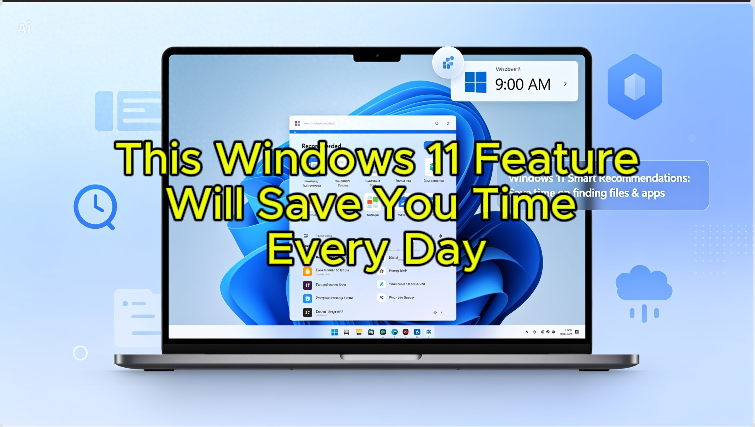
Always hunting for the same files? 👀
Yeah… that gets old fast.
Digging through folders again and again?
There’s a quicker way.
In Windows 11, you can pin files as Favorites
and keep them just one click away.
Open File Explorer
Find your file
Right-click it
Then hit “Add to Favorites”
Boom—done. ⚡
Now it shows up in your Favorites section
no more searching every time.
Simple trick, big time-saver.
Try it today—you’ll thank yourself later 😉