Network Security Insights
Zero Trust Trends Small Businesses Need to Act On
Zero trust trends are changing how small businesses protect users, devices, and data. Learn what to prioritize before a security gap disrupts operations.
How to Choose Business Antivirus for Your Team
Learn how to choose business antivirus for stronger endpoint security, ransomware defense, compliance readiness, and dependable IT support planning.

What Does Network Monitoring Include for Business?
Learn what does network monitoring include for small businesses, from device health and traffic alerts to security oversight, uptime, and clear reporting.

A Medical Office IT Support Example That Works
See a medical office IT support example that protects patient data, reduces downtime, and gives staff fast help when technology disrupts care at work.

How to Choose a Managed IT Provider in Chicago Suburbs
Choosing a managed IT provider Chicago suburbs businesses can trust means checking cybersecurity, response times, backups, local support, and ownership.
Top Remote Access Security Risks for Businesses
Learn the top remote access security risks facing small businesses and the practical controls that protect users, data, uptime, and compliance every day.

Best Network Monitoring Tools for Small Businesses
Compare the best network monitoring tools for small businesses, with features, trade-offs, and guidance to protect uptime, security, and productivity.
Business Cybersecurity Policy Guide for SMBs
Our business cybersecurity policy guide helps Chicago-area small businesses protect data, meet requirements, and respond faster to threats and outages.
Best Backup Solutions for Accountants That Work
Compare the best backup solutions for accountants, from cloud backups to ransomware recovery, and build a plan that protects client data and deadlines.

Business Cybersecurity Trends 2026 to Watch
Business cybersecurity trends 2026 bring identity attacks, AI risk, and stricter recovery demands. See what small businesses should prioritize now early.

How to Document Business Passwords Securely
Learn how to document business passwords securely, control access, support audits, and keep critical systems available when staff or vendors change roles.

Managed Cybersecurity Services Chicago Suburbs
Managed cybersecurity services Chicago suburbs help small businesses reduce ransomware risk, secure remote access, and maintain dependable operations.
How to Audit Office Network Security and Uptime
Learn how to audit office network security, performance, access, backups, and documentation to reduce downtime, meet requirements, and prepare for threats.
Naperville Office Cybersecurity Support That Works
Naperville office cybersecurity support helps businesses prevent ransomware, secure remote access, and keep operations running with responsive support.
Business Penetration Testing Services That Find Gaps
Business penetration testing services expose security gaps before criminals do, helping companies protect data, support compliance, and avoid downtime.
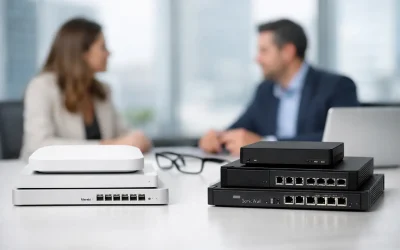
Meraki vs SonicWall for SMB: Which Fits?
Compare Meraki vs SonicWall for SMB security, VPNs, costs, and support needs. Choose the firewall approach that fits your Chicago-area business well.

Cloud Backup vs Local Backup for Business
Compare cloud backup vs local backup for your business. Learn how recovery speed, ransomware protection, cost, and compliance shape a safer backup plan.

Best IT Support for Dental Offices in Practice
Find the best IT support for dental offices with secure networks, responsive help, compliant backups, and practical planning that protects patient care.

Business Network Security That Prevents Downtime
Business network security protects more than devices. Learn the practical controls that reduce ransomware risk, secure remote access, and keep work moving.

Microsoft 365 Migration Guide for Small Businesses
This Microsoft 365 migration guide helps Chicago-area businesses move email and files securely, reduce downtime, protect data, keep staff productive daily.

Windows Support for Business Computers That Works
Windows support for business computers keeps staff productive, protects data, and reduces downtime with patching, security, and responsive expert help.

CPA Firm Cybersecurity Case Study for Tax Season
See how a CPA firm cybersecurity case study reveals practical steps to reduce ransomware, secure client records, and keep tax-season operations moving.
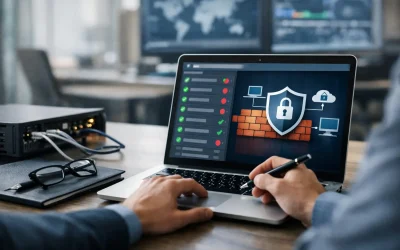
How to Audit Firewall Rules Without Creating Risk
Learn how to audit firewall rules, remove unnecessary access, document changes, and reduce security risk without disrupting daily business operations.
Small Business Cybersecurity Trends to Watch
Small business cybersecurity trends are changing how Chicago-area firms protect email, data, remote access, and recovery from ransomware attacks.

How to Secure Office WiFi Without Slowing Work
Learn how to secure office wifi with practical steps for stronger access controls, guest networks, updates, and ongoing business protection for teams.

When Should Businesses Outsource IT Support?
Learn when should businesses outsource IT support, how to spot growing risk, and what a security-first managed IT partner should handle for your company.

IT Support for CPA Firms That Protects Tax Data
IT support for CPA firms helps protect client tax data, support secure remote work, reduce downtime, and prepare for annual security and WISP reviews.
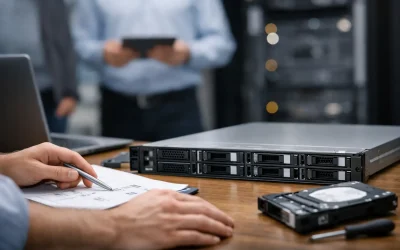
Server Replacement Planning Guide for Small Business
Use this server replacement planning guide to assess risk, protect data, control costs, and replace aging business infrastructure with less downtime.
Business Email Security Checklist for SMBs
Use this business email security checklist to reduce phishing, account takeover, ransomware risk, compliance gaps, and business downtime organization-wide.
Backup Testing Best Practices for Small Business
Backup testing best practices help Chicago-area businesses prove their files, systems, and recovery plans will work when disruption hits during a crisis.

How to Prevent Business Downtime Before It Starts
Learn how to prevent business downtime with practical steps for backups, cybersecurity, monitoring, and recovery planning that keep teams working daily.

Managed IT Support Lombard Businesses Can Trust
Managed IT support Lombard businesses rely on to reduce downtime, secure data, support staff, and maintain reliable, compliant technology systems daily.
Small Business Firewall Management Tips
Small business firewall management helps prevent downtime, ransomware, and compliance issues with better rules, updates, monitoring, and support.

Remote Employee Security Checklist for SMBs
Use this remote employee security checklist to reduce risk, secure devices, control access, and protect your business from remote work threats.

Best VoIP Systems for Offices
Compare the best VoIP systems for offices by call quality, security, features, and support so your business can choose with confidence.
How Often Should Backups Run?
How often should backups run? Learn the right backup schedule for servers, PCs, Microsoft 365, and critical data to reduce downtime and risk.

A SonicWall Next Generation Firewall
A SonicWall Next-Generation Firewall protects your business from hackers, ransomware, phishing attacks, and dangerous websites before they ever reach your computers. At Tomorrow's Internet Solutions, we've been helping Chicago-area businesses stay secure for over 24...
Microsoft 365 Licensing Guide for SMBs
Microsoft 365 licensing guide for small businesses. Compare plans, security features, and common mistakes before you choose and pay.

Lombard Business IT Help That Prevents Downtime
Lombard business IT help should reduce downtime, improve security, and keep staff productive with fast support, backups, and risk planning.
Network Support Near Lombard for SMBs
Need network support near Lombard? Learn what local businesses should expect from IT help, security, uptime planning, and faster issue resolution.
Office Network Security Assessment Basics
An office network security assessment finds weak points in firewalls, Wi-Fi, devices, and backups before downtime, ransomware, or audit issues hit.

Co-Managed IT vs Outsourced IT
Compare co managed it vs outsourced IT for SMBs. Learn costs, security, control, and which model fits your team, risk, and growth plans.
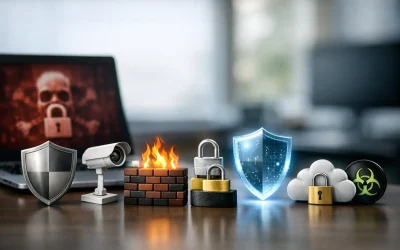
7 Best Ransomware Defense Layers
Learn the best ransomware defense layers for small businesses, from email security and backups to MFA, patching, and endpoint protection.

Is Small Business IT Outsourcing Worth It?
Small business IT outsourcing can reduce risk, control costs, and improve security. Learn when it makes sense and what to look for in a provider.
How to Choose MSP Support for Your Business
Learn how to choose MSP support that fits your business, improves security, reduces downtime, and delivers responsive IT help when it matters.
File Opening in the Wrong App?
Files Opening in the Wrong App? Here's the Quick Windows 11 Fix Ever double-click a file and have it open in the wrong app? It’s frustrating, especially when you're trying to get work done quickly. The good news? Windows 11 makes it easy to fix. Just right-click the...

What a Free Network Security Assessment Finds
A free network security assessment helps spot weak firewalls, risky access, backup gaps, and compliance issues before downtime or ransomware hits.

Could You Shut Down AI in an Emergency?
Artificial intelligence is becoming deeply integrated into modern businesses, often faster than organizations realize. From drafting emails and analyzing data to supporting decision-making, AI tools are helping teams work more efficiently across nearly every...

Small Business IT Budgeting Guide
A small business IT budgeting guide for planning support, security, hardware, cloud tools, and backup costs without overspending or gaps.
Still typing passwords every time you log in?
Still typing passwords every time you log in? There’s a faster and safer way. Windows 11 comes with built-in passwordless sign-in options that make logging in easier and more secure. You can use Windows Hello to sign in with your face, fingerprint, or a PIN instead of...
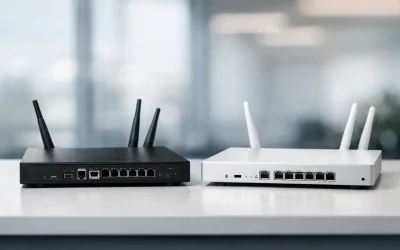
SonicWall vs Meraki Firewalls
SonicWall vs Meraki firewalls for small business: compare security, management, VPN, cost, and support to choose the right fit.
Think You’d Handle a Cyber Attack?
Many businesses believe they could handle a cyberattack if one occurred. But that confidence is often based on assumptions rather than a well-defined response plan. If an attack happened today, could you recover quickly, contact the right people, and keep operations...
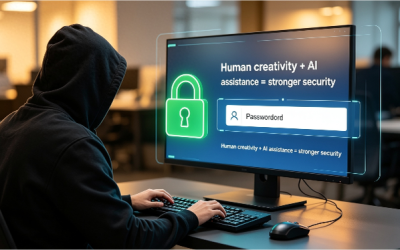
Don’t Trust AI With This Critical Security Task
Let me ask you something: If you needed a strong password, would you ask an AI tool to create one? At first glance, it seems like a smart idea. AI tools such as ChatGPT and Copilot can draft emails, write reports, and even generate code. So asking them to create a...
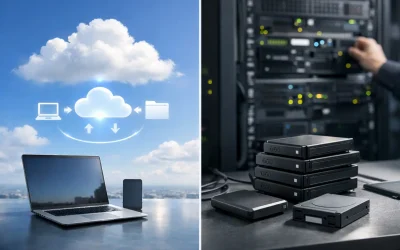
Cloud Backup Versus Onsite Backup
Cloud backup versus onsite backup affects recovery speed, security, and cost. Learn which backup approach fits your business and risk profile.

Still recreating the same document every month? You’re wasting valuable time!
If you're copying, pasting, and editing the same Word file again and again, there's a faster way. Create a template! Just save your document as a Word Template (.dotx), and every time you open it, Word creates a fresh copy automatically. No more overwriting files. No...
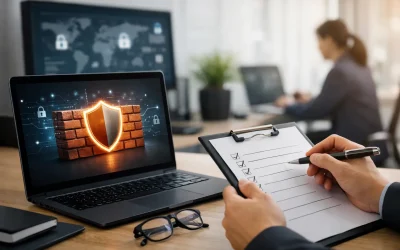
Business Firewall Audit Checklist for SMBs
Use this business firewall audit checklist to find misconfigurations, tighten access, support compliance, and reduce downtime risks fast.

How to Choose a Local Managed IT Provider
Need a local managed IT provider? Learn what to look for in support, security, response times, compliance help, and long-term business fit.

Ever needed to scan a document but didn’t have a scanner nearby?
Good news—you probably already have one in your pocket. With the OneDrive app on your phone, you can quickly scan receipts, contracts, notes, or important documents in seconds. Just open OneDrive, tap the camera icon, and choose Scan. The app automatically captures,...

Get More Work Done: Silence Teams Distractions Fast
Trying to focus, but Microsoft Teams keeps interrupting you with notifications? Every message, mention, and update can break your concentration and slow down your work. Here's a quick fix. Open Microsoft Teams, click your profile picture, then select Do Not Disturb....

How to Prevent Ransomware at Work
Learn how to prevent ransomware with practical steps for backups, email security, access control, patching, and employee training.

Struggling to Read Tiny Text During Work or Presentations?
Squinting at your screen? Struggling to read tiny text during work or presentations? Here's a Windows shortcut that can save you time." Instead of adjusting your display settings or moving closer to the screen, Windows already has a built-in solution. Simply press the...
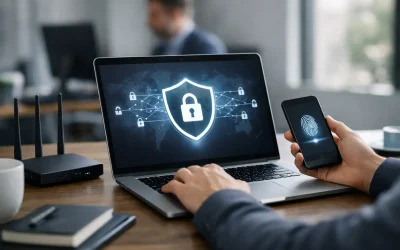
How to Secure VPN Access for Your Business
Learn how to secure VPN access for your business with stronger authentication, tighter policies, and safer remote connectivity.

Office 365 Migration Checklist for SMBs
Use this Office 365 migration checklist to plan email, files, security, and user setup with less downtime and fewer post-migration issues.

Managed Network Monitoring Checklist
Use this managed network monitoring checklist to reduce downtime, improve security, and keep your business network visible, stable, and protected.
Cyber Insurance IT Requirements Explained
Cyber insurance IT requirements are getting stricter. Learn what insurers look for, where companies fall short, and how to prepare.
Best Firewall for Offices: What to Choose
Looking for the best firewall for offices? Learn what matters most, which features to prioritize, and how to choose the right fit.
Business Backup Retention Policy Basics
A business backup retention policy helps protect data, reduce risk, and meet compliance needs. Learn what to keep, for how long, and why.

Stay Protected Before Problems Start
When was the last time you tested whether your backups could actually be restored, reviewed who still has access to your systems, or checked that every device was fully updated? These are the kinds of things that gradually slip down the priority list over time....
Windows Server Support Checklist for SMBs
Use this Windows server support checklist to reduce downtime, tighten security, document systems, and keep your business operations running.
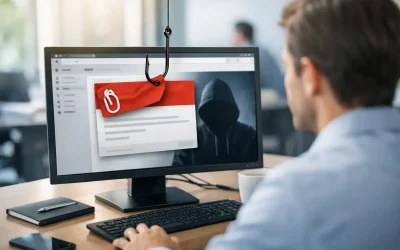
Phishing Prevention for Employees That Works
Phishing prevention for employees starts with clear training, safer systems, and fast reporting. Learn what actually reduces business email risk.
Teams Update Helps Prevent Accidental Meeting Exits
Ever accidentally left a Microsoft Teams meeting? You meant to click another button, maybe Share to present your screen, and suddenly you’re back on your desktop while the meeting carries on without you. Definitely not the smoothest moment. For years, this has been a...

WISP Compliance for Small Business
WISP compliance for small business starts with clear policies, real safeguards, and practical IT controls that reduce risk and support audits.

Meraki Support for Business Networks That Lasts
Meraki support for business networks helps reduce downtime, improve security, and keep Wi-Fi, firewalls, and switching stable.

Why Copilot Isn’t Replacing Your Most Essential Windows Tools
If you work on Windows every day, here’s something worth thinking about: What’s the one app you rely on the most? According to Microsoft’s latest messaging, the answer should be Microsoft Copilot. The company is positioning Copilot as the top productivity app in...

Remote IT Support for Offices That Need Uptime
Remote IT support for offices helps reduce downtime, improve security, and keep staff productive with fast issue resolution and expert oversight.
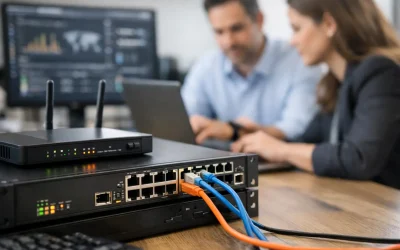
SonicWall Firewall Management Services Explained
SonicWall firewall management services help businesses reduce risk, improve uptime, strengthen VPN security, and stay ahead of threats daily.
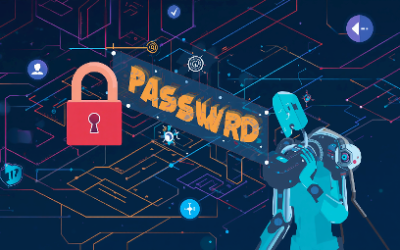
Why AI Shouldn’t Handle Your Password Security
Artificial intelligence is changing the way businesses work. It can write emails, analyze data, automate tasks, and even help detect cyber threats faster than humans. But there’s one security essential you should never hand over completely to AI: Decision-making about...

Onsite Versus Remote IT Support Explained
Compare onsite versus remote IT support for security, speed, cost, and uptime so your business can choose the right mix for daily IT needs.
10 Small Business Cybersecurity Questions
Get clear answers to small business cybersecurity questions, from ransomware and MFA to backups, remote access, compliance, and risk.
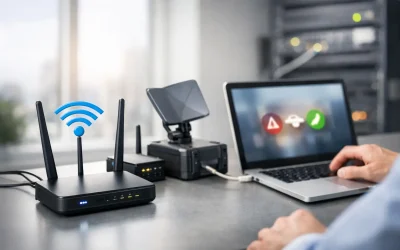
7 Best Business Internet Failover Options
Compare the best business internet failover options for uptime, security, and cost so your office stays connected during ISP outages and service cuts.
7 Hybrid Work Security Trends to Watch
Hybrid work security trends are changing fast. Learn what SMBs should watch now to reduce ransomware risk, secure access, and support compliance.

How to Prepare a WISP for Your Business
Learn how to prepare WISP documents for your business with practical steps to assess risk, define safeguards, assign roles, and stay compliant.

Penetration Testing Report Example for SMBs
See a penetration testing report example for small businesses, including key sections, findings, risk ratings, and what to do after the test.

7 Best Disaster Recovery Strategies
Learn the best disaster recovery strategies to reduce downtime, protect data, and keep your business operating after outages, attacks, or failures.
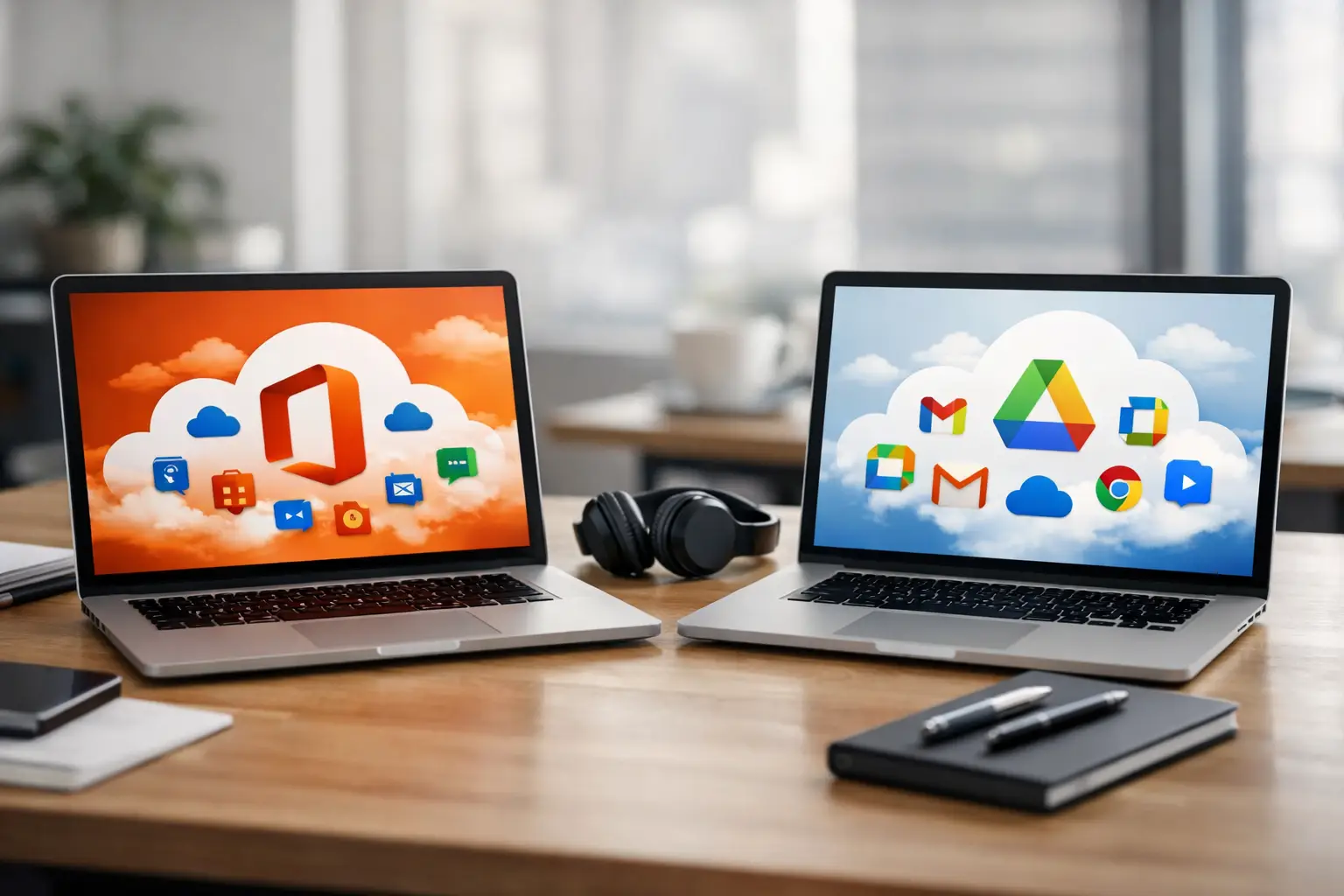
Office 365 vs Google Workspace
Office 365 vs Google Workspace: compare security, email, file sharing, compliance, and cost to choose the right fit for your business.
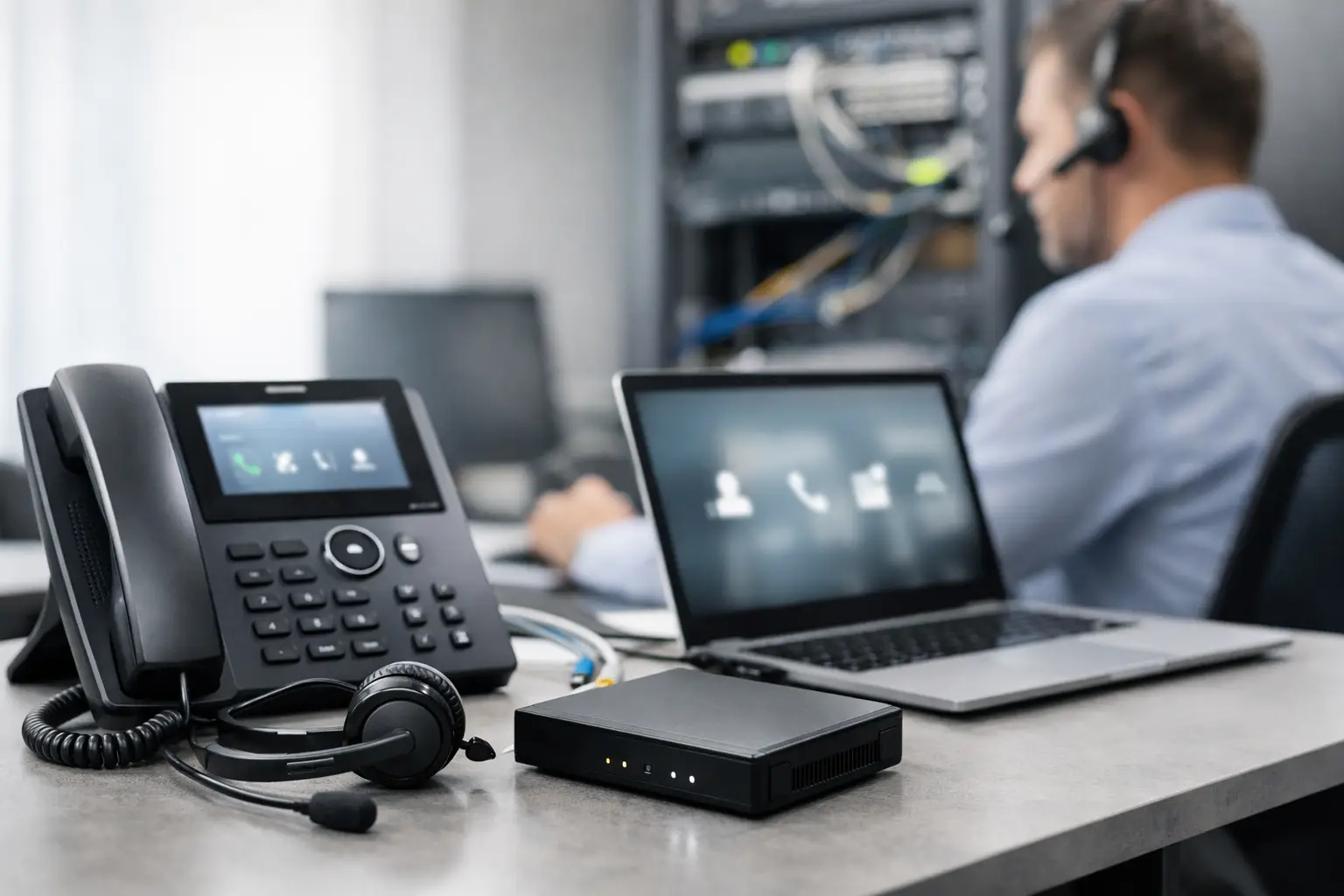
How to Set Up Business VoIP Right
Learn how to set up business VoIP with the right internet, phones, security, and call flow so your team gets reliable service and fewer issues.
Small Business Penetration Testing Basics
Small business penetration testing helps find real security gaps before attackers do. Learn what it covers, costs, and when to schedule it.
How Often Replace Firewalls? A Realistic Timeline
How often replace firewalls? Most businesses should review them yearly and plan replacement every 5-7 years or sooner for risk and compliance.
How to Configure Office 365 Security
Learn how to configure Office 365 security for small businesses with practical steps to reduce risk, protect email, files, and user access.

How to Build Incident Response Workflow
Learn how to build incident response workflow steps that reduce downtime, contain threats fast, and protect your business operations.
Onsite And Remote Services To These Cities

Quick Links
Our Services
Contact Info
- ☎ 630-953-3100
- ✉ tg@tomorrowssolutions.com
- 📍 748 Hawthorne Circle, Lombard IL. 60148
Contact Tomorrow’s Internet Solutions Today
Thank You for visiting our site. We are available for remote and onsite service. On most days, we are available by phone starting at 6:30 AM for remote support or a free consultation.
With over sixty years of in-house IT experience, our team can install, maintain, and upgrade your office to keep your business running smooth.
Phone: 630-953-3100
Email: Contact@tomorrowssolutions.com